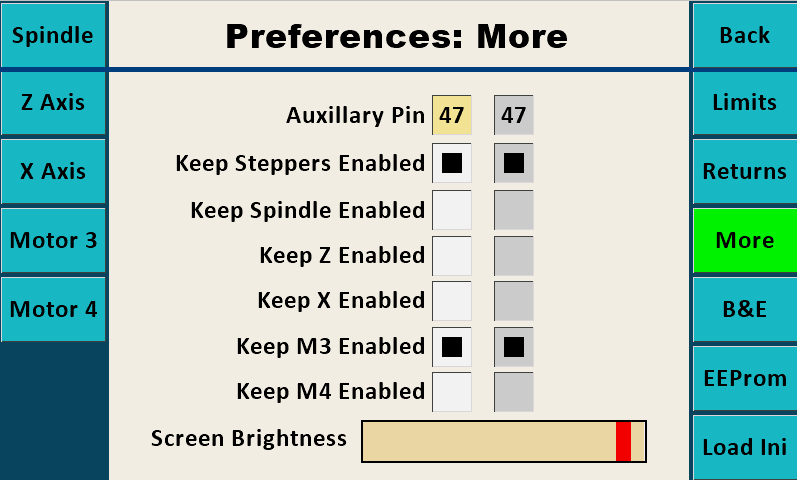
| Preferences Screen |
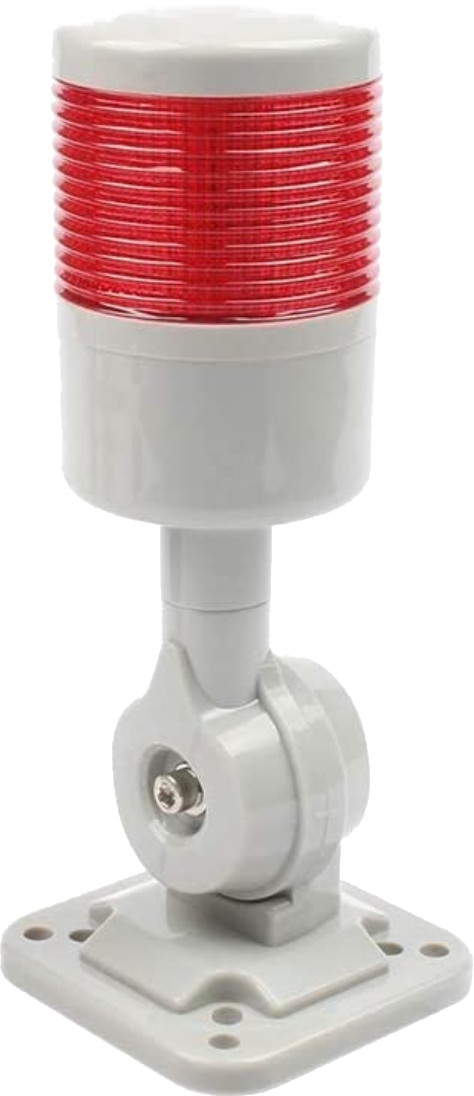
Signal Light
Auxiliary Pin This is the pin number used for identifying when an operation is running.
When using certain functions (such as Sync and MultiSync), the final pass can take quite a long time -- many hours is not uncommon. This function was requested so that a signal light can indicate when the activity is still underway.
The idea was to have a light (such as the one to the right) lit when activity is underway, and not lit when the activity has stopped. This allows the operator to walk away from the machine when using these long-running operations, and monitor the activity periodically by glancing over to the machine to identify if the activity has stopped.
More informataion about this is at Auxiliary Pin Function.
Keep Steppers Enabled
This is used to set the stepper motors to be continuously Disabled or Enabled.
It is recommended that the user
Screen Brightness slider may be used to change the brightness of the screen.