Input fields are colored .
| Screen | Actions |
|---|---|
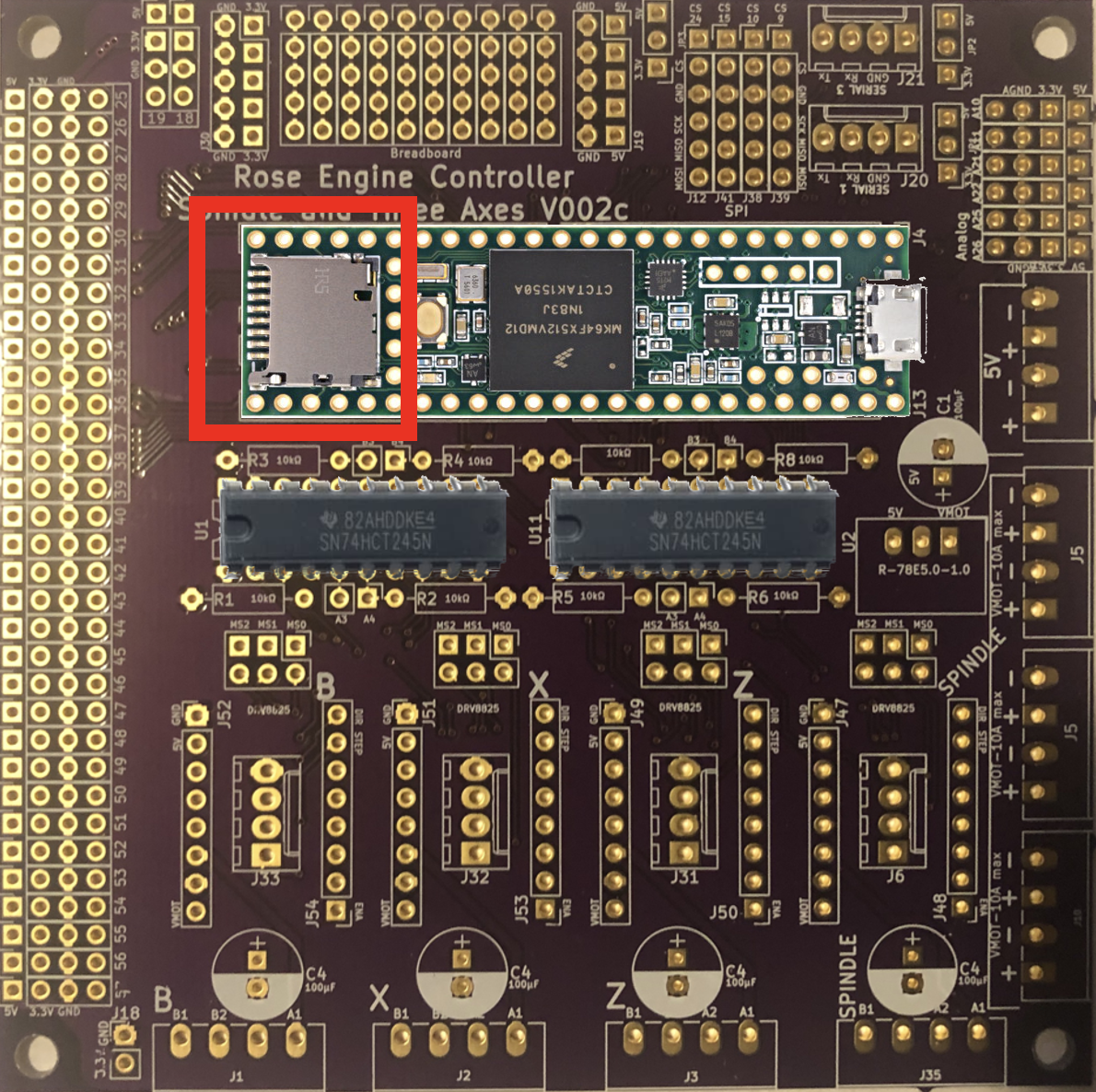
Teensy's Spot for microSD Card On the Greek Key File page,
|
|
|
On the Move page,
|
|
|
On the Indexing page,
|
 X
X  B
B  or
or  to create the desired number of pearls in this row.
 or
or  to advance to the next row.
 or
or  to index.